
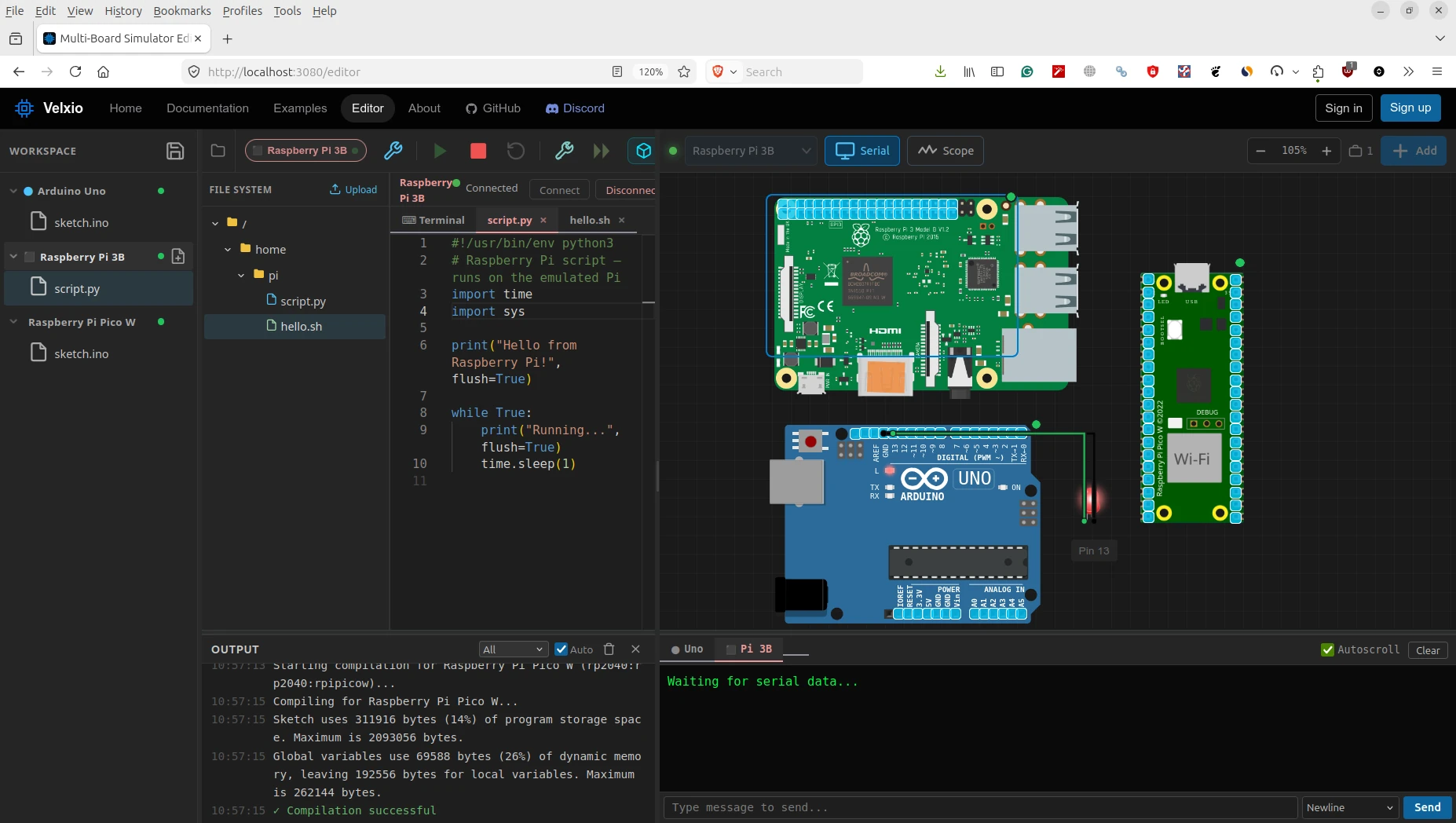
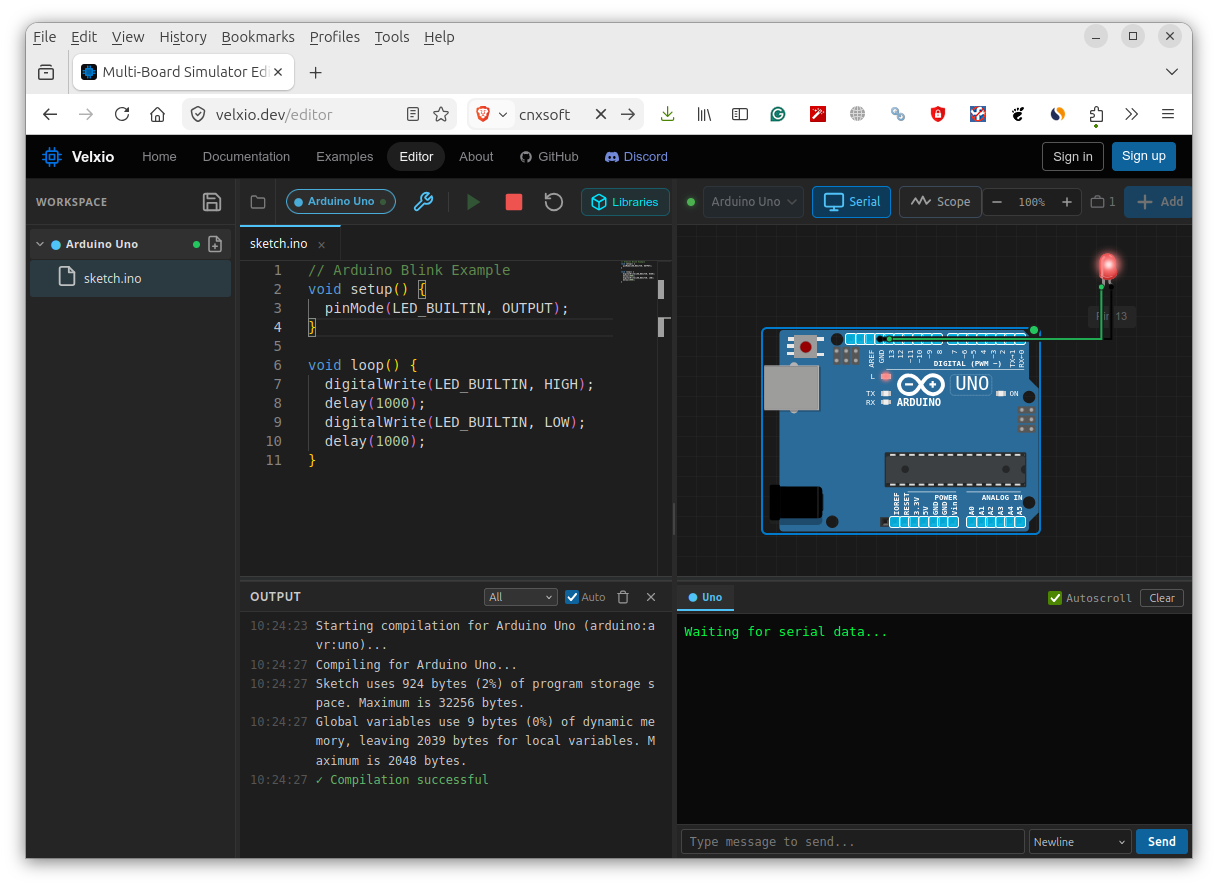
Velxio is an open-source, self-hosted simulator that lets you emulate Arduino, ESP32, and Raspberry Pi boards directly in your web browser. You can drag-and-drop boards, connect components, write code in Arduino C++ or Python, and run simulations—all without any physical hardware.
Key Features
- 19 Supported Boards across 5 CPU architectures
- 48+ Electronic Components with drag-and-drop placement
- Real CPU Emulation via avr8js, rp2040js, QEMU, and custom RISC-V cores
- Multi-Board Simulation — run multiple boards simultaneously on the same canvas
- Arduino Library Manager — browse and install libraries directly from the UI
- Self-Hosted — run locally with Docker for complete offline operation
Supported Architectures
| Architecture | Boards | Emulation Engine |
|---|---|---|
| AVR8 | Arduino Uno, Nano, Mega 2560, ATtiny85, Leonardo, Pro Mini | avr8js (browser) |
| ARM Cortex-M0+ | Raspberry Pi Pico, Pico W | rp2040js (browser) |
| RISC-V RV32IMC/EC | ESP32-C3, CH32V003 | RiscVCore.ts (browser) |
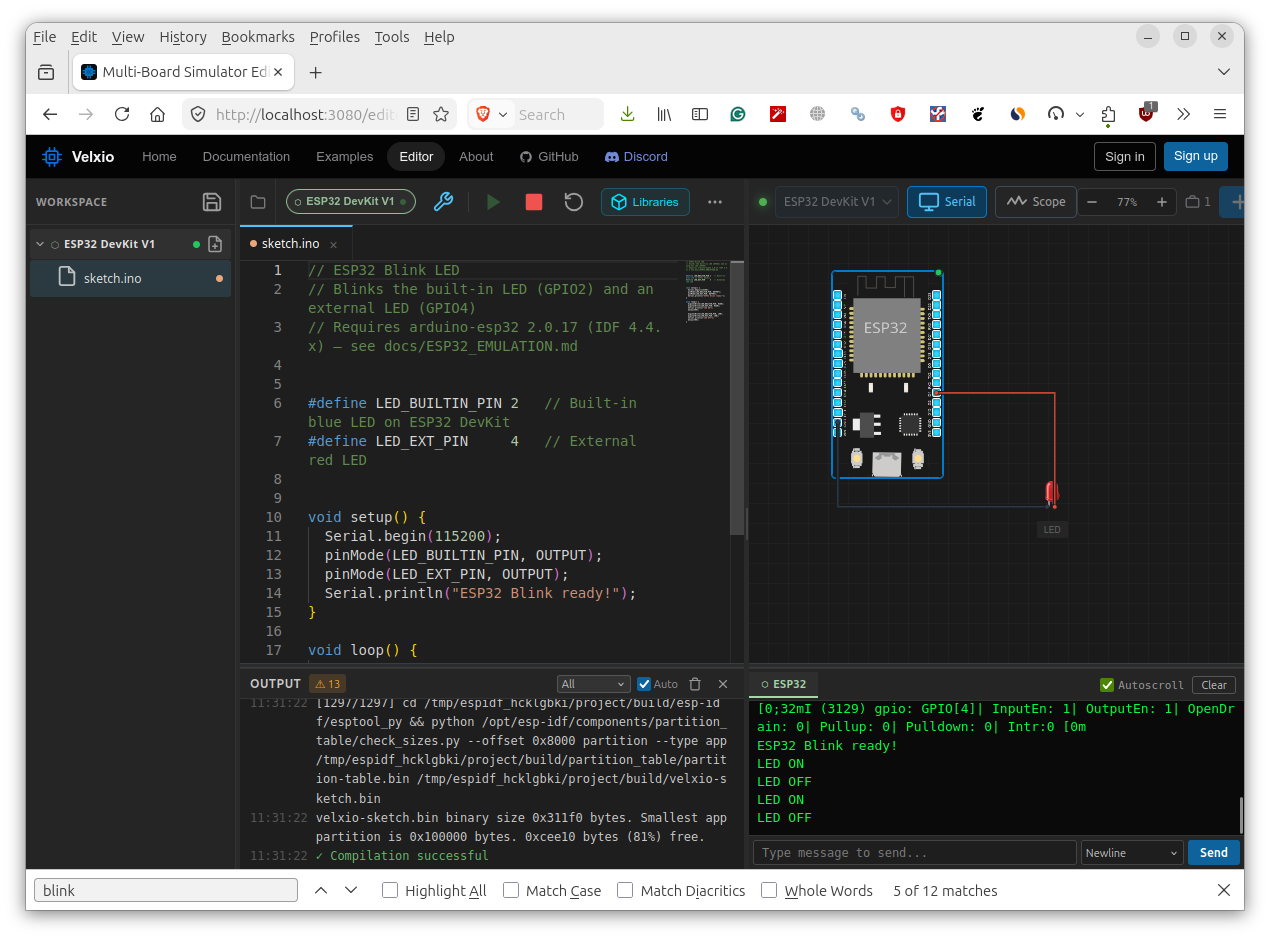
| Xtensa LX6/LX7 | ESP32, ESP32-S3, ESP32-CAM | QEMU (backend) |
| ARM Cortex-A53 | Raspberry Pi 3B (Linux) | QEMU raspi3b (backend) |
Multi-Board Heterogeneous Simulation
One of Velxio’s standout features is the ability to run multiple heterogeneous boards in the same circuit. For example:
- Two Arduinos connected via SPI or serial
- ESP32 communicating with an Arduino
- Raspberry Pi 3 controlling a Pico over serial
This enables complex system-level prototyping without any physical components.
Technical Highlights
Frontend Emulation (Browser-Based)
- Real ATmega328p/ATmega2560 emulation at native clock speed
- Full GPIO, Timer, USART, ADC, SPI, I2C support
- ~60 FPS simulation loop via requestAnimationFrame
- WFI optimization — delay() skips ahead in simulation time
Backend Emulation (QEMU)
- Full ESP32 WiFi stack with SLIRP NAT emulation
- Raspberry Pi 3 boots real Raspberry Pi OS (Trixie)
- GPIO shim for Python scripts via text protocol over WebSocket
Getting Started
Online Demo
Visit https://velxio.dev/editor — no installation required.
Self-Hosted (Docker)
docker run -d -p 3080:80 ghcr.io/davidmonterocrespo24/velxio:masterThen open http://localhost:3080.
License
Velxio uses a dual-licensing model:
- AGPLv3 — for personal, educational, and open-source projects
- Commercial license — for proprietary and closed-source products or SaaS
Resources
Via CNX Software